Build
Introduction
The Build section is a cookbook of focused recipes, one per Product SDK package; each recipe takes a single capability and walks you from an empty project to working Product code. They apply no matter how you started: a Quick Start deploy or a project you set up yourself. Pick the capability your Product needs, in any order; the recipes are ordered by how little they ask of you, and the first one requires no account and no tokens.
For the concepts behind each package, which package each recipe uses, and how the umbrella and individual packages compare, see the Product SDK overview. For the complete surface, see the Product SDK API reference.
Set Up Your Project
Every guide assumes a Product project running locally in Polkadot Desktop. The steps below apply no matter how you bootstrapped your Product: a Quick Start deploy or a project created from scratch.
-
Scaffold a project. Any framework that serves on
localhostworks; this example uses Next.js: -
Install the Product SDK:
-
Start the dev server:
-
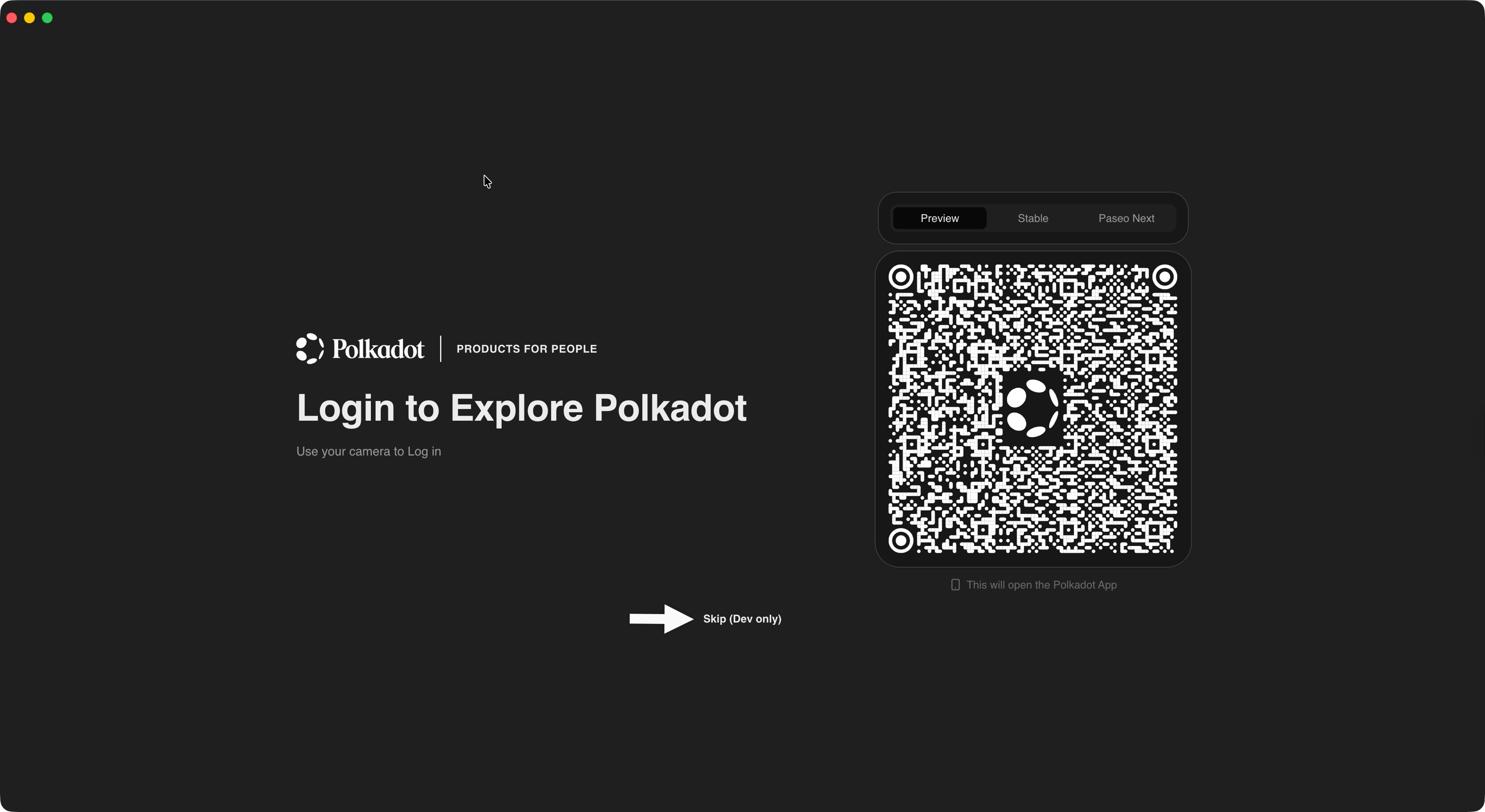
Open Polkadot Desktop. If you have not paired it with the Polkadot App, click Skip (Dev only), which development builds of Desktop show on the login screen.
-
Type
localhost:3000(or your dev server's port) in the address bar and press Enter.Desktop recognizes
localhostas a whitelisted origin, skips.dotresolution, and loads your Product directly from the local server.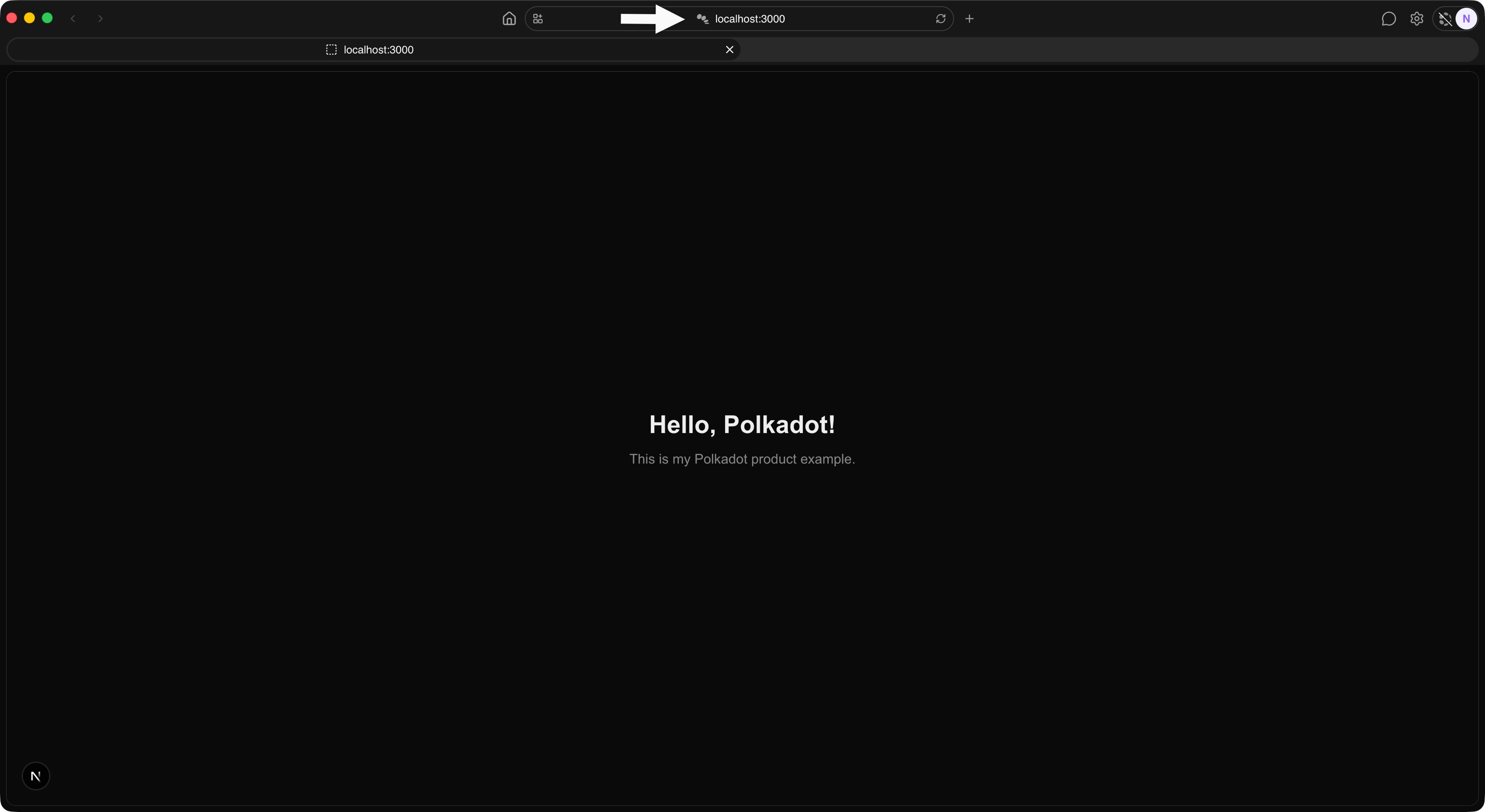
Your Product is now running inside the Polkadot Desktop sandbox, served from your local machine. Live reload works through your dev server's hot module replacement: edit, save, and watch the change appear in Desktop. The sandbox and permission prompts apply exactly as they would for a published .dot Product, and no Proof of Personhood or funds are needed to load from localhost.
Capabilities
-
Beginner Read On-Chain Data
Your Product needs to show live balances, storage, and chain state. Reads are unsigned: no account, no tokens, no infrastructure to run.
-
Beginner Sign and Submit Transactions
Your Product needs to act on chain on the user's behalf. Derive a per-user account and request signatures; every approval happens on the user's phone.
-
Intermediate Store Data on Chain
Your Product needs content that outlives a session: profile photos, published posts, file uploads. Write to the Bulletin Chain and fetch from anywhere by CID.
-
Intermediate Publish and Subscribe to Off-Chain Data
Your Product needs real-time state between users: presence, typing indicators, multiplayer cursors. Signed pub/sub via the Statement Store, no fees per message.
-
Beginner Persist Data Locally
Your Product needs to remember things on this device: preferences, drafts, cached values. Per-Product key-value storage backed by the Host, with no browser
localStoragefallback. -
Advanced Add a Smart Contract to Your Product
Your Product needs enforced, shared on-chain logic: a leaderboard, a registry, an escrow. Deploy a PolkaVM contract to Asset Hub and call it by name from your frontend.
| Created: June 16, 2026